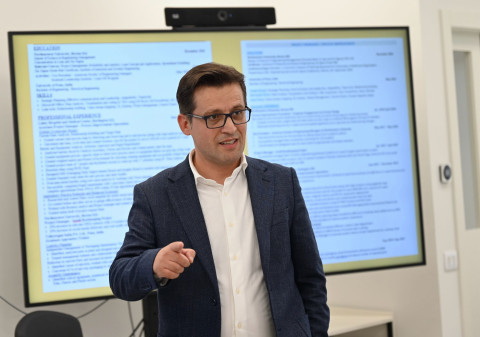
Career Workshop: Reviewing your CV
“Your CV shouldn’t look messy like a bush; it should be structured like a bonsai.” We couldn’t think of a better way to kick off our Career Workshops Series with the Victoria Amelina Promotion than by...
To access full text articles available in our library collection through Google Scholar, you need to activate 'Library Links'.
The link "College of Europe Access" will redirecte you to our catalogue.
“Your CV shouldn’t look messy like a bush; it should be structured like a bonsai.” We couldn’t think of a better way to kick off our Career Workshops Series with the Victoria Amelina Promotion than by...