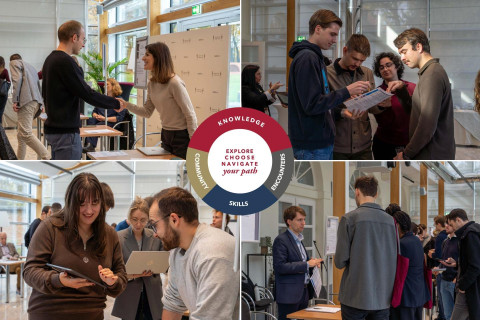
Course Fair 2025 at Natolin
The College of Europe in Natolin recently hosted the Course Fair 2025, bringing together students and faculty for an interactive exploration of second-semester courses, thesis topics, and...
To access full text articles available in our library collection through Google Scholar, you need to activate 'Library Links'.
The link "College of Europe Access" will redirecte you to our catalogue.
The College of Europe in Natolin recently hosted the Course Fair 2025, bringing together students and faculty for an interactive exploration of second-semester courses, thesis topics, and...