Google Scholar

To access full text articles available in our library collection through Google Scholar, you need to activate 'Library Links'.

  • Go to “Scholar Settings”;
  • Click on 'Library links';
  • Write “College of Europe” in the search box "Show library access links for (choose up to five libraries)";
  • Click on "Find Library";
  • Select “College of Europe - College of Europe Access";
  • Click on Save;
  • Start searching for articles!

The link "College of Europe Access" will redirecte you to our catalogue.

General News

04.03.2026
Tirana

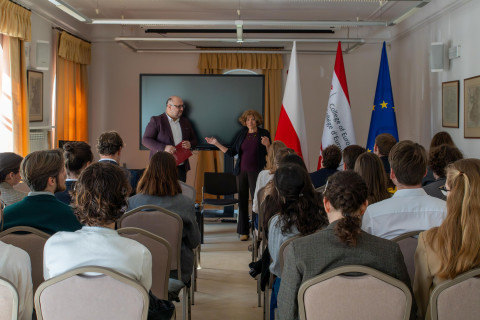
Natolin & Tirana Campus Student Exchange

Across three campuses, one College brings people together, and last Friday, we were so happy to welcome students from Natolin to Tirana. Their first stop was our campus, where they met and greeted the...